![FavIcon-1.png]](https://wiki.uptimehealth.com/hs-fs/hubfs/FavIcon-1.png?height=40&name=FavIcon-1.png)
If Your Activation Link Has Expired
If you have not fully completed your account setup after your initial login and your activation link has expired, please follow these steps:
- Email support@uptimehealth.com.
- A member of our support team will provide you with a temporary password to access the platform.
- Login with the temporary password to complete your account setup.
- Change your password (How to change your password).
If You Forgot Your Password
If you have already completed your account setup but forgot your password, follow these steps:
- Navigate to the UptimeHealth login screen.
- Select Forgot your password?
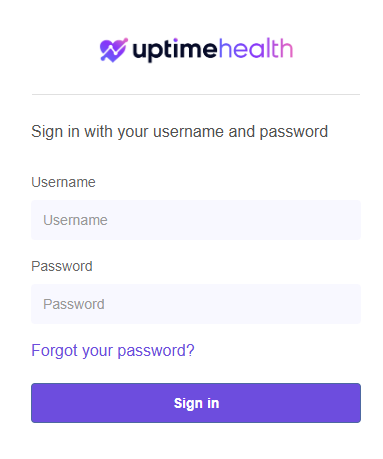
- Follow the instructions to receive an email with details on resetting your password.
- Follow the instructions in the email to regain access to your account.
Key Reminders
- You must complete your initial account setup before using the Forgot your password? option.
- If your activation link has expired before completing setup, please contact oursupport team for a new link.
- If you do not receive the password reset email within one hour, check your spam or junk folders.
For additional assistance please email our Support Team.